1
Open Play Store
On your Android device, open the Google Play Store app.
Installation guide
Install the official English edition on your Android phone or tablet directly from Google Play. This is the safest way to receive updates and use Google Play full-version unlock.
Quick steps
Use the Google account that you want to keep associated with the purchase. If you unlock the full version later, Google Play will remember the purchase for that account.
On your Android device, open the Google Play Store app.
Tap Search and type Mahamodo Thai Astrology, or open the Google Play link on this page.
Select Mahamodo Thai Astrology and tap Install. Wait for Google Play to finish downloading.
Tap Open in Google Play or use the app icon on your Android home screen.
Full version access is unlocked through Google Play Billing inside the app. If Mahamodo support has issued a restore code for an existing membership or purchase recovery, open Settings in the app and use Support Restore Code.
After installation
Illustrated guide
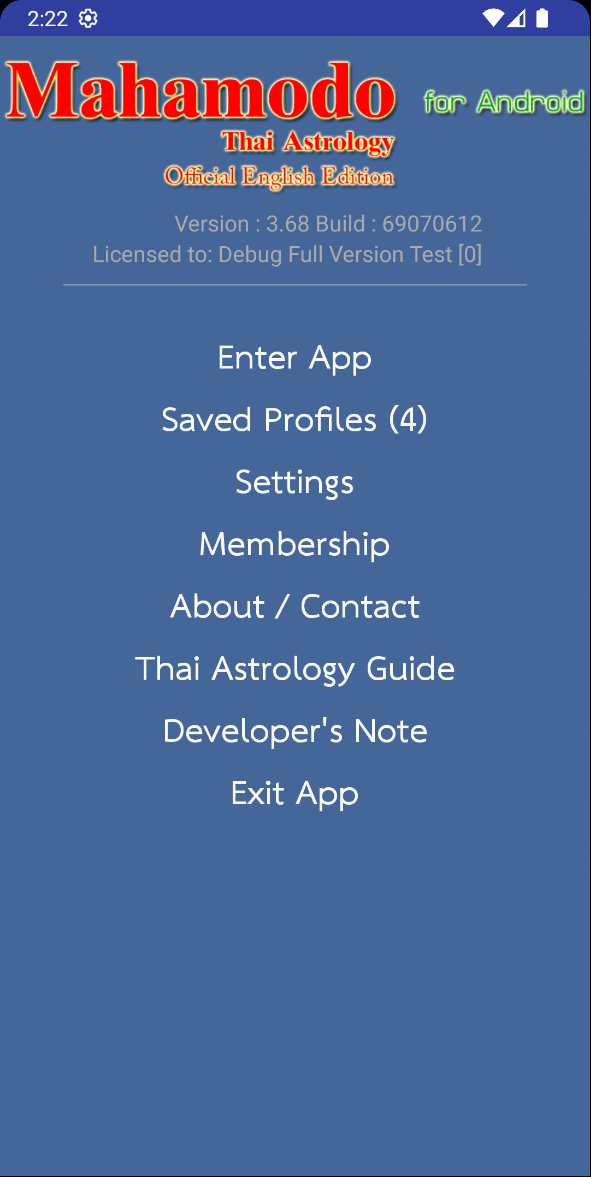
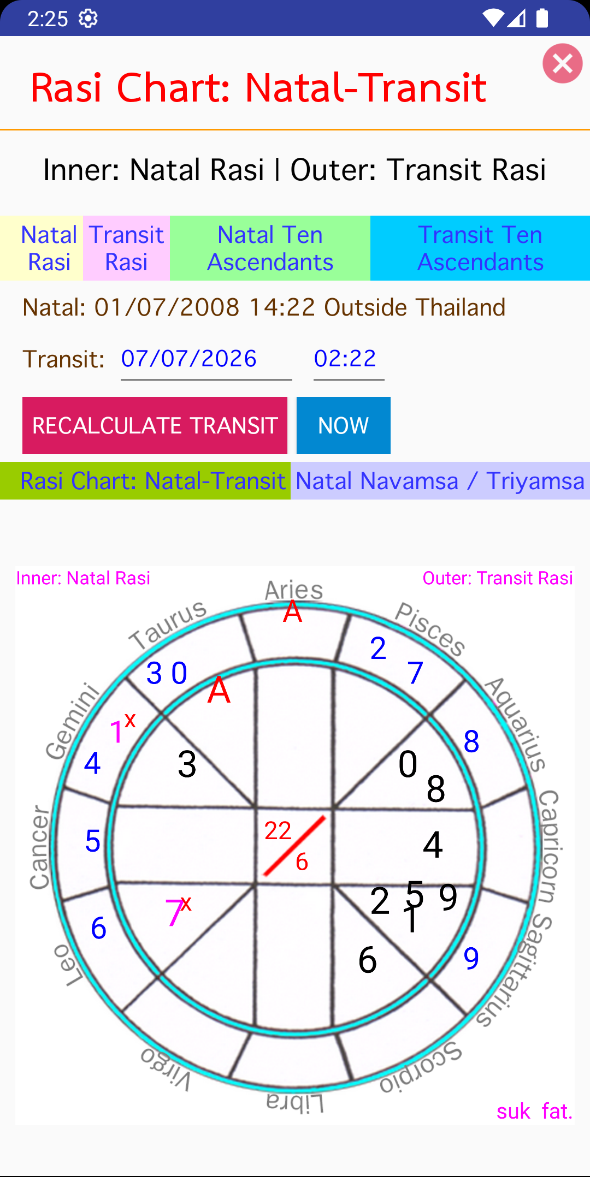
These images show a real Android device installing and opening Mahamodo Thai Astrology from Google Play.

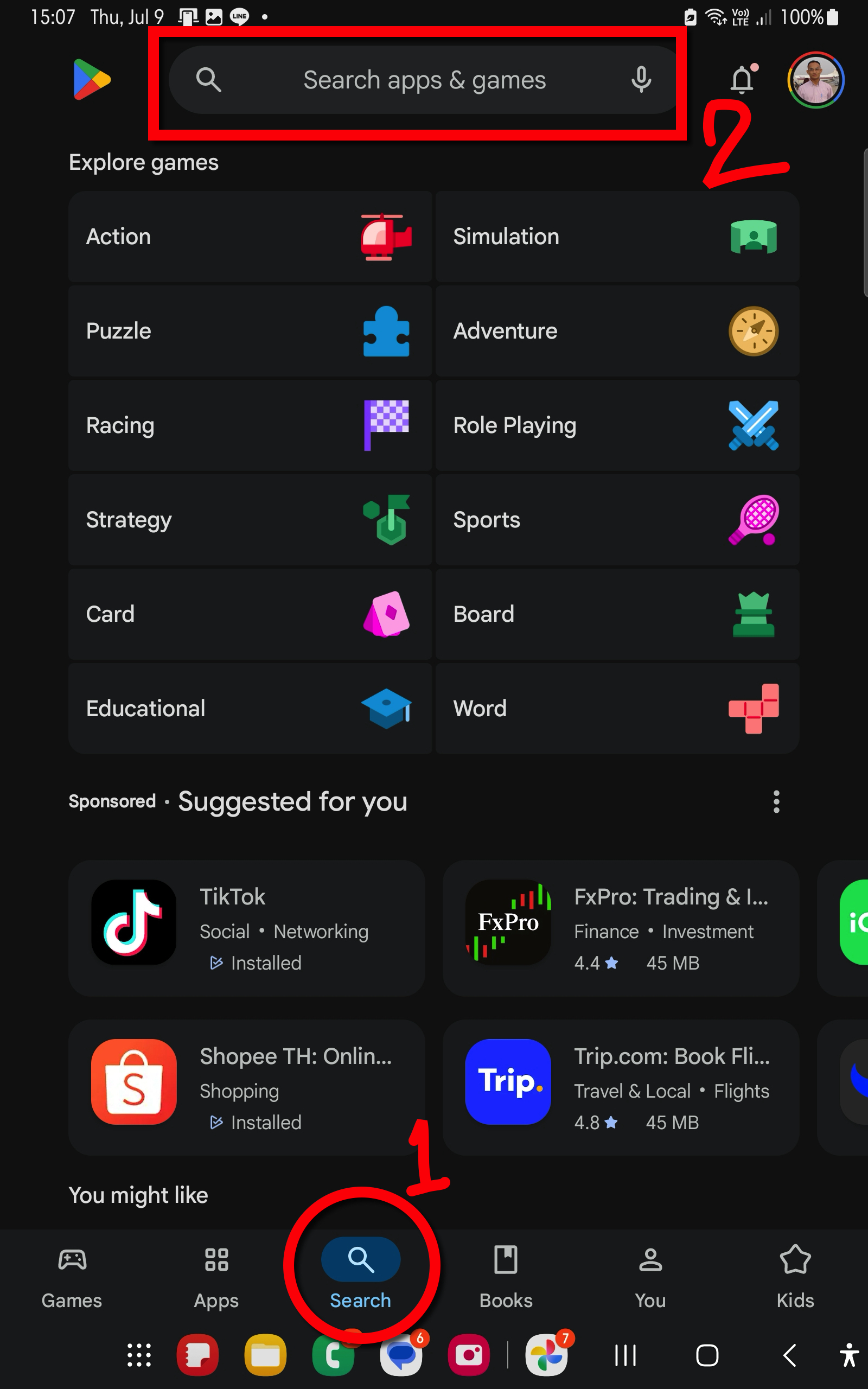
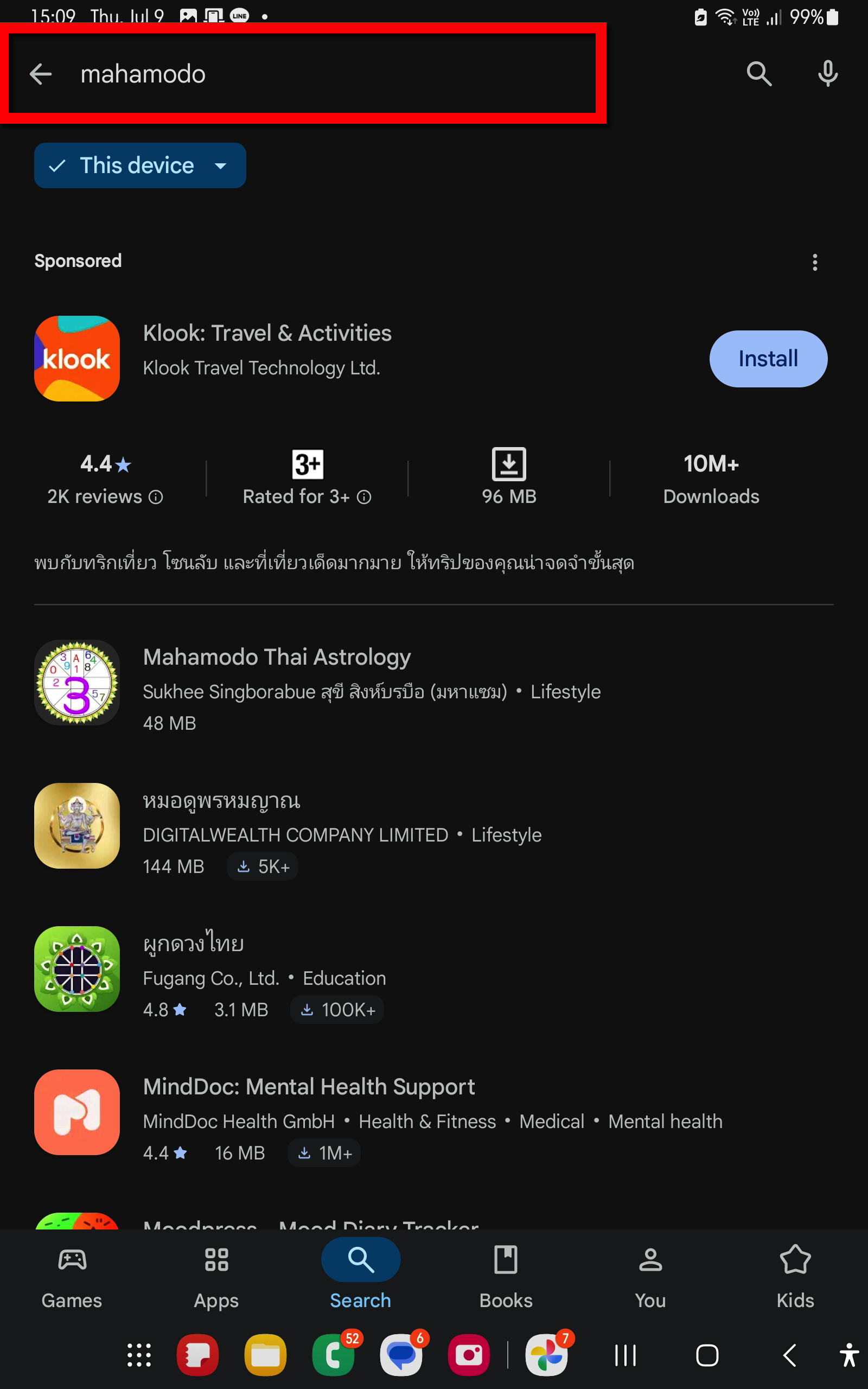
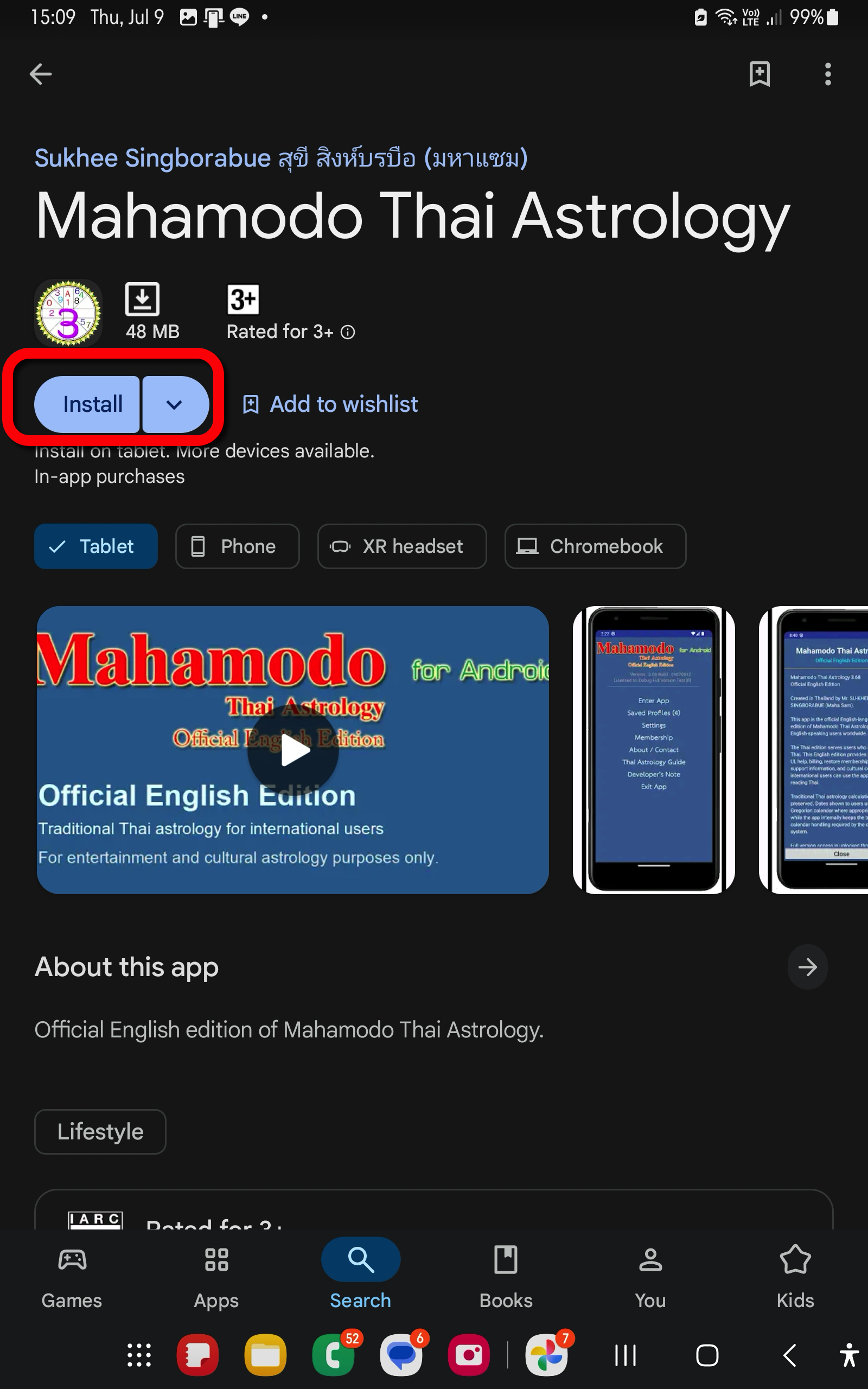
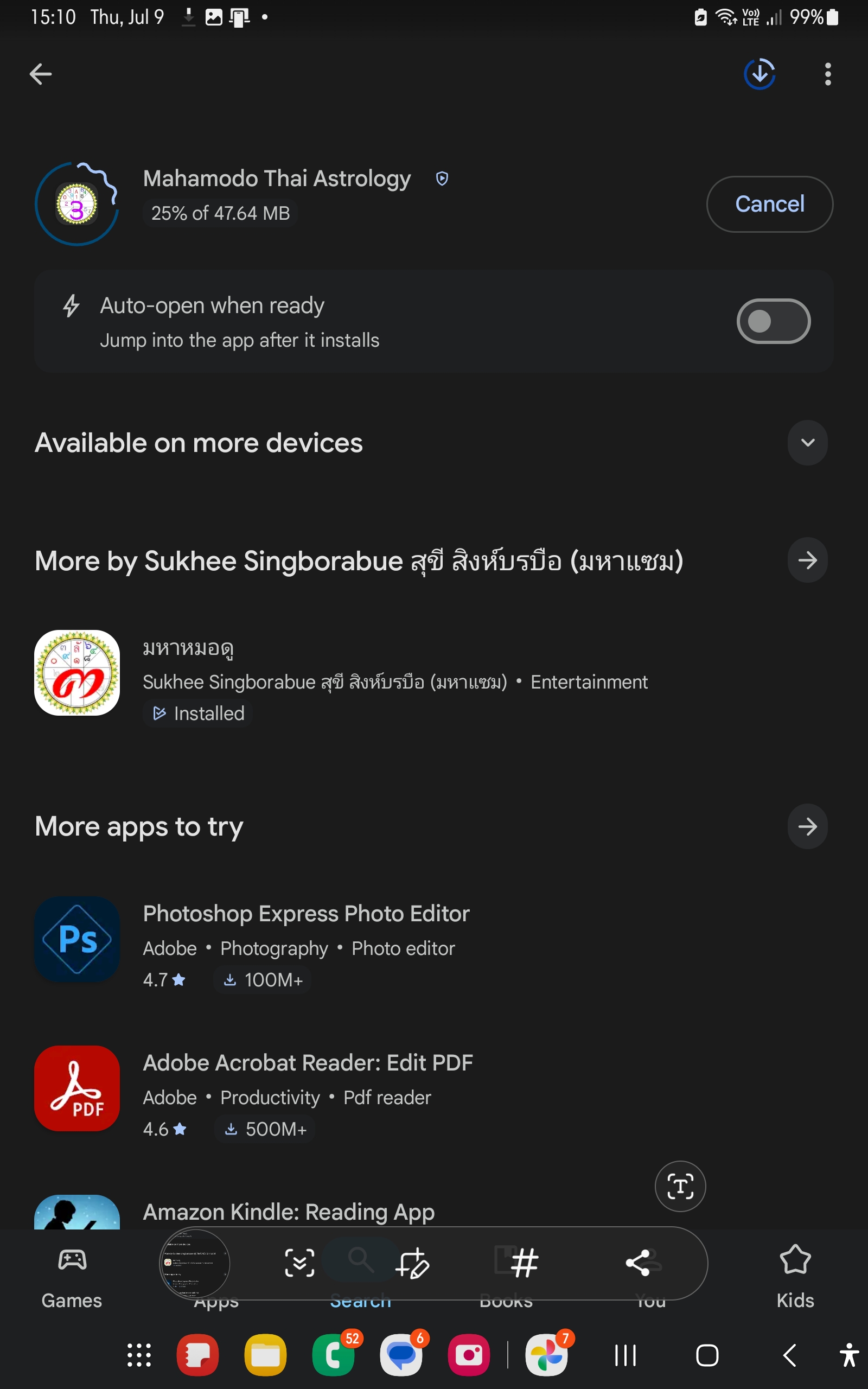
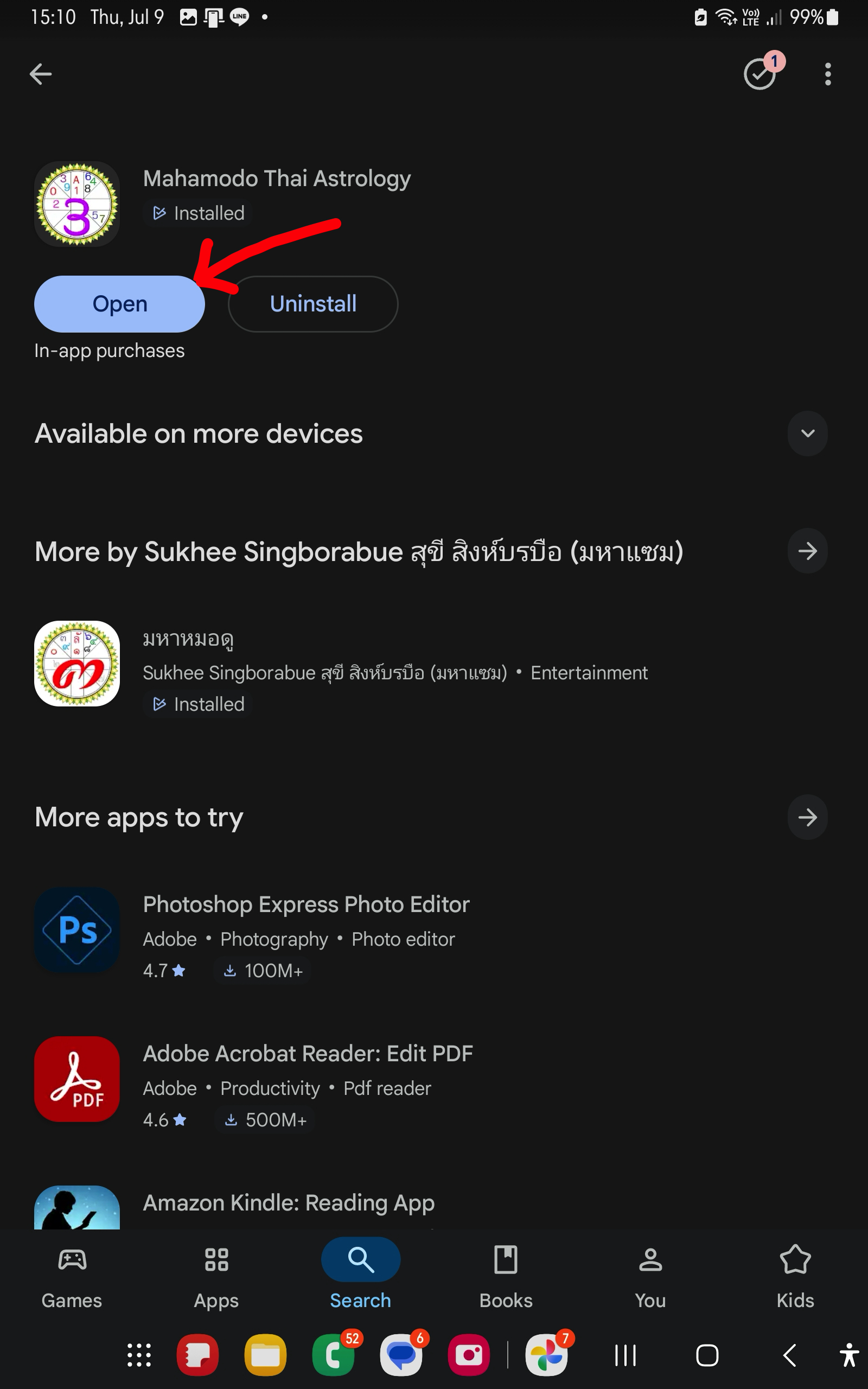
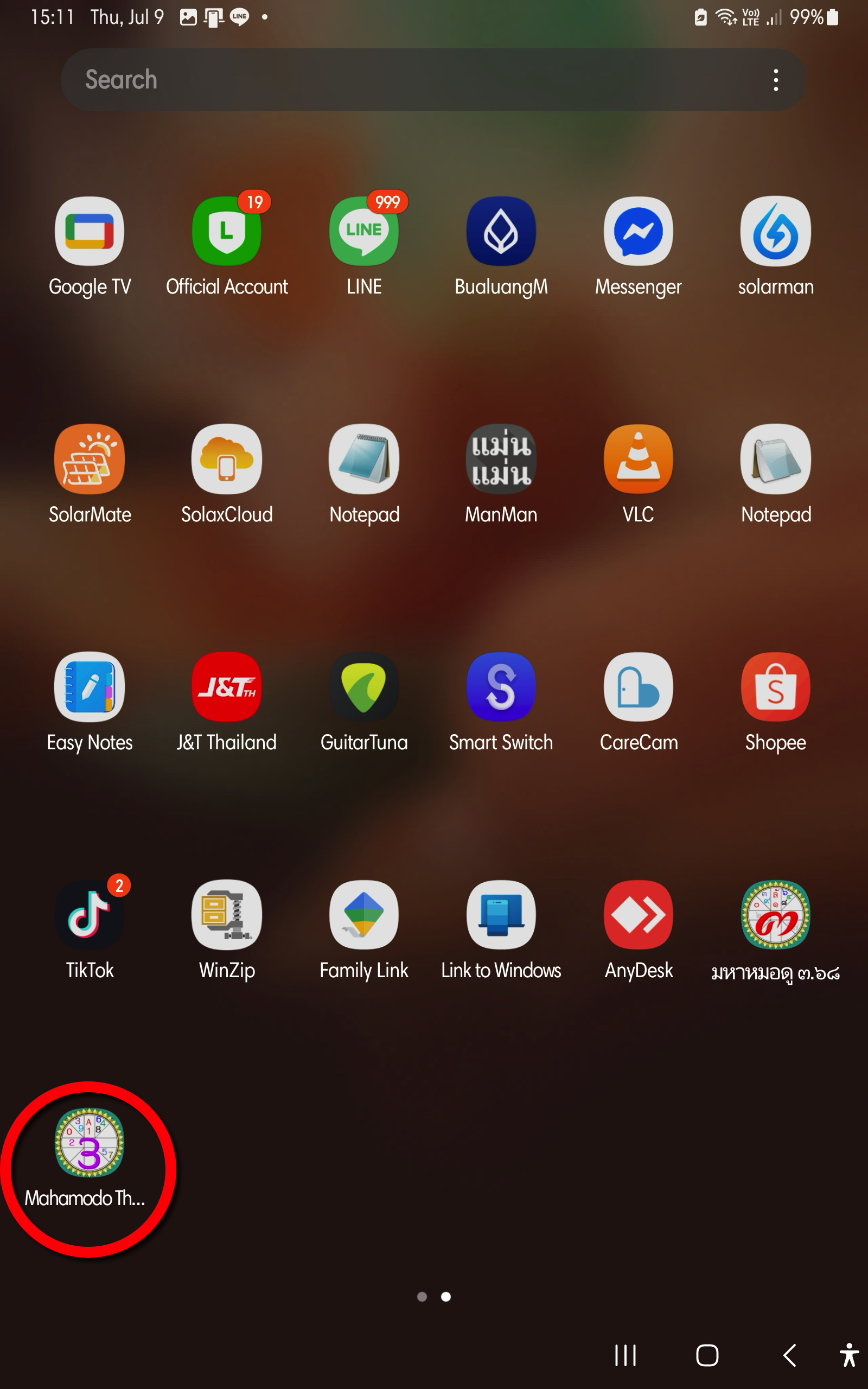
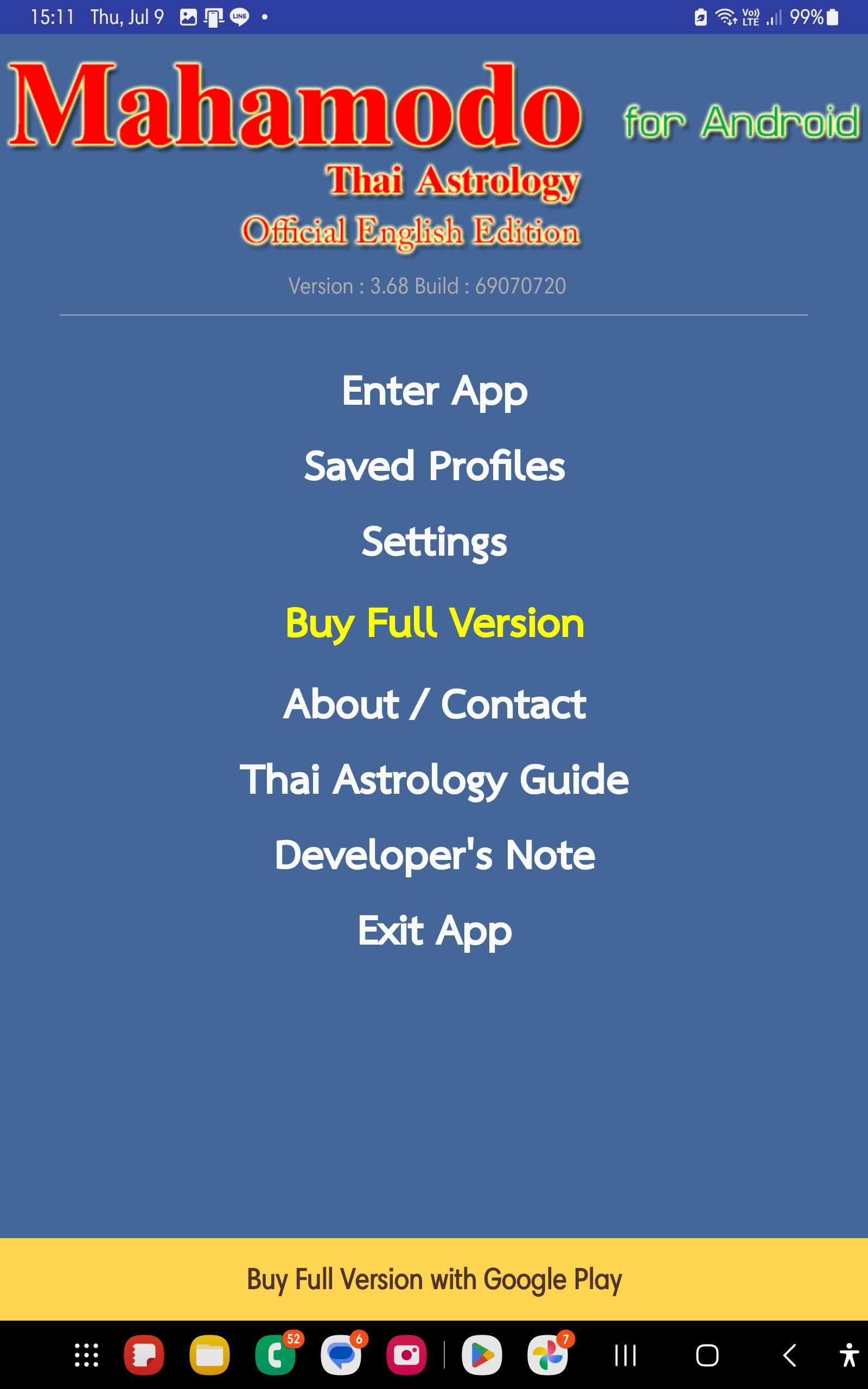
Open Google Play and install Mahamodo Thai Astrology - Official English Edition.